That expectation isn't new, but it hasn't gone away. A 2018 HR Dive survey found 73% of full-time employees wanted self-service access to things like payroll and benefits information, yet more than half of employers with 500 or fewer employees didn't offer it (HR Dive). Manual processes still create bottlenecks, compliance blind spots, and frustrated employees.
This guide covers what an HR portal actually is, the features worth prioritizing, the business benefits, how to choose the right one, and what it takes to implement one successfully.
Key Takeaways
- HR portals put self-service, employee records, and compliance tracking in one accessible system
- The right portal frees HR staff for strategic work and gives managers clearer decision data
- Selecting a portal starts with pinpointing your specific pain points, not chasing feature lists
- Software alone doesn't fix HR problems. Implementation needs change management and HR expertise
What Is an HR Portal System?
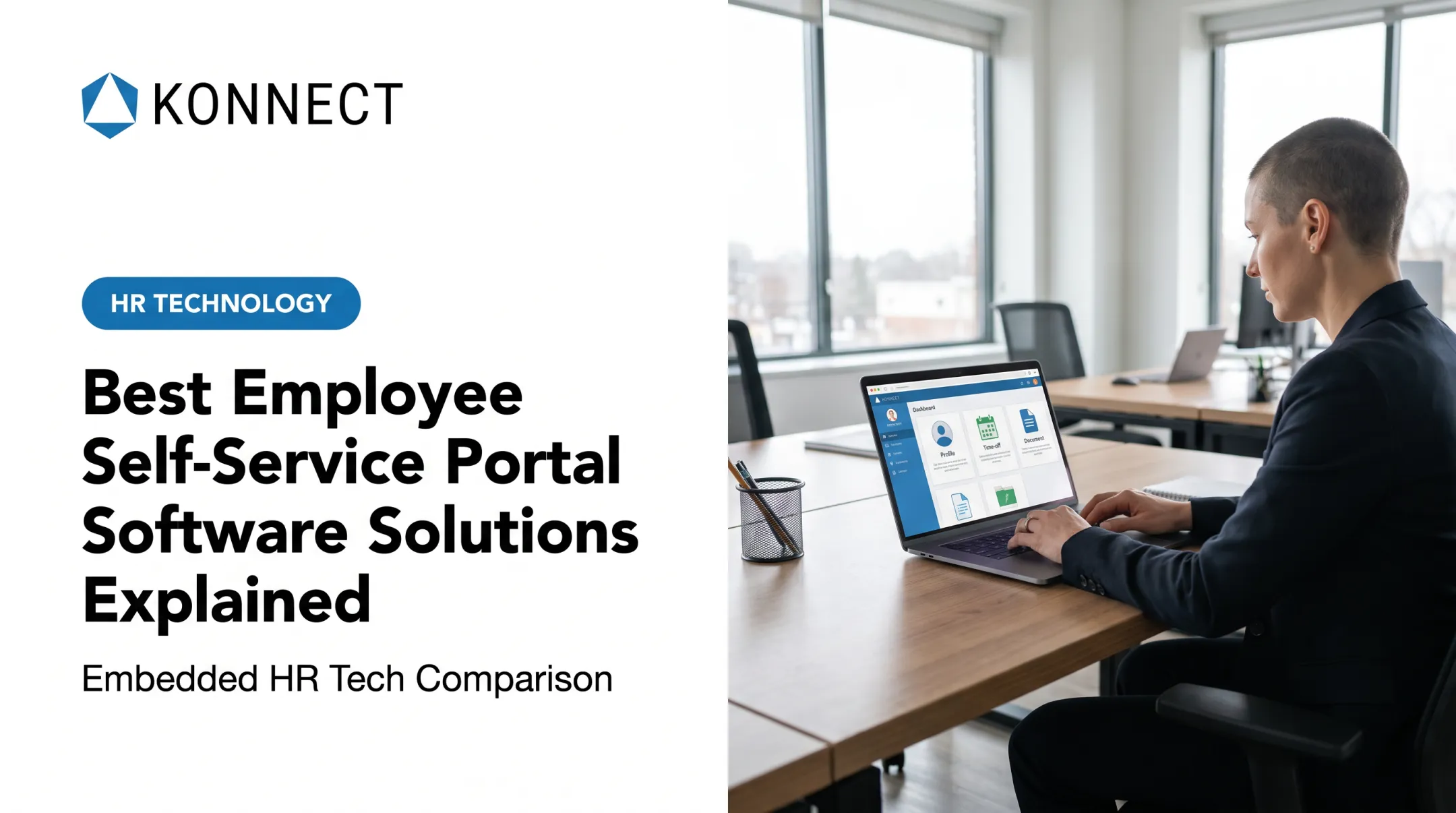
An HR portal is the employee- and manager-facing interface inside a broader Human Resources Management System (HRMS). The HRMS is the engine and database running underneath; the portal is the dashboard employees touch day to day.
Gartner draws the same line, treating role-based self-service and portal delivery as a distinct layer within HCM suites—separate from core data and processing. In practical terms:
- HRMS/HRIS = the underlying system managing payroll data, benefits records, and employee files
- HR portal = the access point where employees and managers interact with that data
Most portals include two components:
- Employee self-service (ESS) — viewing paystubs, checking PTO balances, enrolling in benefits, updating personal information
- Manager self-service (MSS) — approving time-off requests, managing schedules, tracking performance, signing off on documents

Modern portals are cloud-based, accessible through a browser or mobile app, and available around the clock—no waiting for the HR office to open.
Key Features of a Modern HR Portal
Not every portal needs every feature. But a handful of capabilities separate a genuinely useful system from a glorified filing cabinet.
Employee self-service tools:
- Paystub and tax document access
- PTO requests and balance tracking
- Benefits enrollment and changes
- Direct deposit updates
Manager tools:
- Timecard and PTO approvals
- Scheduling and shift management
- Performance tracking and reviews
- Document sign-off workflows
Centralized document storage matters more than most businesses realize. Employee handbooks, policy acknowledgments, and compliance records scattered across email threads and shared drives create real audit risk. A portal like Konnect's KonnectER centralizes handbooks, offer letters, separation agreements, and privacy policies in one place, with document requests and compliance notifications built in.
Two more capabilities complete the core set:
- Compliance and reporting: overtime alerts, EEOC reporting support, and protected leave tracking
- Integrations: payroll, benefits providers, and applicant tracking systems that talk to the portal instead of sitting in silos beside it

Mobile Accessibility
Features only help if people can reach them, which is why mobile access isn't a nice-to-have anymore. The Bureau of Labor Statistics reported that one in five workers teleworked in August 2023 (BLS), and Pew Research found 72% of hybrid workers would prefer to keep their hybrid arrangement (Pew Research Center).
For hourly, field-based, and retail employees who rarely sit at a desk, a mobile-friendly portal isn't optional. It's the only realistic way they'll ever check a schedule or request a shift swap.
Benefits of an HR Portal for Your Business
Self-service HR portals cut admin load, support retention, and give managers cleaner data. The impact shows up most clearly in five areas:
Improved efficiency. Automating routine transactions such as PTO requests, benefits changes, and address updates frees HR staff from repetitive admin and lets them focus on strategy.
Stronger engagement and retention. SHRM's analysis of exit interviews across 175 companies found career development, health and family issues, and work/life imbalance top the reasons employees leave. A portal won't fix a bad manager, but it makes flexible-work requests, learning resources, and leave information easy to find.
Reduced compliance risk. Automated recordkeeping and alerts help avoid gaps that trigger Department of Labor audits or wage disputes.
Better manager decision-making. Centralized data means managers see PTO patterns, schedule conflicts, and performance trends without digging through spreadsheets.
Cost predictability. Subscription-based cloud systems scale with headcount, which matters for growing companies that don't want to renegotiate software contracts every year.

How to Choose the Right HR Portal for Your Business
Start with your actual pain points, not a feature checklist. Ask:
- Are staffing and scheduling constantly a fire drill?
- Is onboarding slow and paperwork-heavy?
- Are compliance documents scattered across email and shared drives?
- Do managers lack visibility into PTO and performance data?
Evaluate scalability and industry fit. Regulated or high-turnover sectors need different capabilities:
- Healthcare: airtight documentation and role-based access controls
- Retail and hospitality: fast mobile self-service and multi-location scheduling (BLS data shows quit rates well above the national average)
- Nonprofits: lean, low-overhead systems more than deep feature sets—a National Council of Nonprofits survey found 74.6% reported open positions
Prioritize ease of use. A portal nobody wants to open doesn't reduce HR workload. It just adds another abandoned tool to the pile. Mobile functionality and a clean interface drive adoption far more than a long feature list ever will.

Implementation Best Practices: Beyond the Software
Buying the right portal is half the job. The other half is making sure people actually use it the way it's intended.
Technology doesn't fix broken processes on its own. If your PTO policy is unclear or inconsistently enforced, a portal will just automate the confusion faster.
Practices that drive real adoption:
- Get policies right first, then configure the system around them
- Involve HR leadership early so approval chains, document storage, and compliance alerts match your culture and legal obligations
- Treat rollout as a joint project—configuration, testing, and change management—not just a technical go-live
This is where a Center of Excellence model earns its keep. Konnect's approach brings together expertise across compliance, employee relations, HR operations, and culture, so configuration isn't siloed from the people side of HR.
Implementation becomes a shared effort aimed at minimal disruption and real adoption. A portal that's compliant on paper but ignored by employees hasn't solved anything.
Frequently Asked Questions
What is an HR portal system?
An HR portal is the employee-facing interface of a broader HR management system. It lets employees and managers complete self-service transactions like checking pay, requesting time off, and updating personal details.
Is an HR portal the same as an HRIS?
No. The portal is the access point employees interact with, while the HRIS or HRMS is the underlying system that stores and processes the actual HR data.
How much does an HR portal system cost for a small business?
Pricing is typically subscription-based and varies by employee count, modules, and integrations needed. Rather than a flat number, request an itemized quote based on your headcount and required features.
What features should a small business prioritize in an HR portal?
Self-service basics (PTO, paystubs, personal info), mobile access, and compliance tracking should top the list. These address the most common daily friction points without overcomplicating rollout.
How long does it take to implement an HR portal?
Timelines vary by company size and how much data needs migrating, but most implementations take anywhere from a few weeks to a few months. Configuration, testing, and integrations all factor into the timeline.
Can an HR portal help with compliance?
Yes. Automated recordkeeping, overtime alerts, and policy acknowledgment tracking reduce the risk of gaps that lead to Department of Labor audits or disputes. The portal supports compliance — it doesn't replace legal responsibility.